At a busy hour, the difference between a business that copes and one that loses customers is usually a good POS and online ordering system, not effort. Orders get shouted, bills get written by hand, the kitchen and counter fall out of sync, and at closing time nobody is quite sure what was sold, what is left in stock, or where the cash differences came from.
A modern POS and online ordering system replaces that chaos with one connected flow: order, bill, payment, stock and report. This article explains, practically and without inflated claims, how it helps restaurants and retail shops sell more and waste less.
Faster, More Accurate Billing
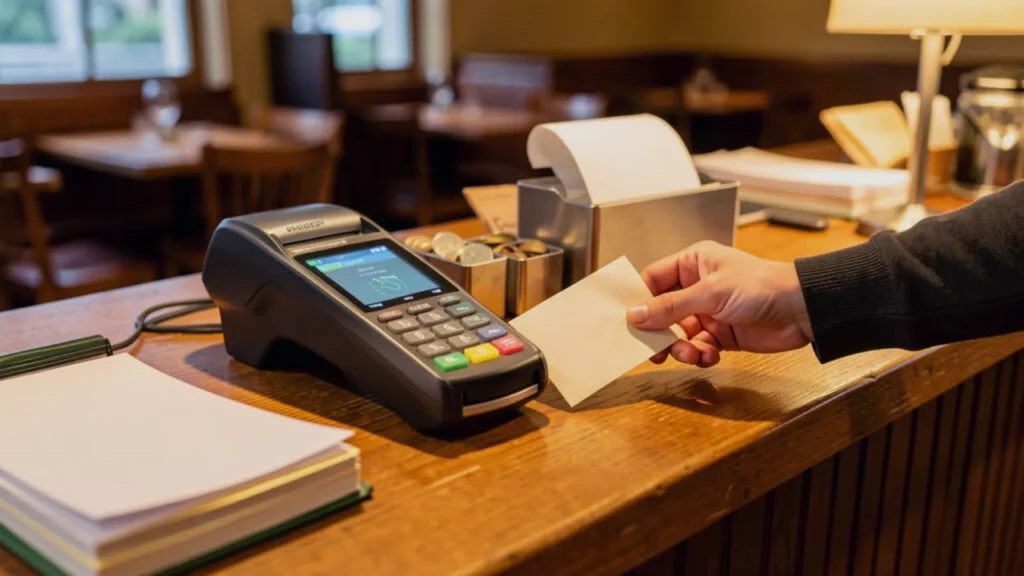
The first benefit is speed at the counter. A POS system turns billing into a few taps: select items from a visual menu or catalogue, apply a discount if authorised, choose the payment method, and print or share the receipt. No handwritten bills, no calculator errors, no queue growing while a bill is rewritten.
Accuracy matters as much as speed. Every item is priced from the system, not from memory, so undercharging and disputes drop sharply. During rush hours — lunch at a restaurant, evenings at a grocery or bakery — faster billing means more customers served in the same time with the same staff.
Online Ordering on Your Own Channel
Delivery platforms bring orders, but they also take a commission on every one and own the customer relationship. An online ordering system connected to your POS gives you your own channel: customers order from your menu or catalogue through your link or website, and the order lands directly in the same system as walk-in sales.
You keep the customer’s details, can invite them to order again directly, and run your own offers instead of renting visibility on a marketplace. Many businesses use both: platforms for discovery, their own channel for repeat customers — where the margin is far healthier.
Delivery Orders Organised, Not Scattered
Without a system, delivery orders arrive from everywhere: phone calls, WhatsApp messages, platform tablets, walk-ins relayed by staff. Missed messages and wrong addresses are inevitable. A POS and online ordering system brings orders into one queue with clear statuses — received, preparing, out for delivery, delivered — and assigns riders with the order details attached.
For the customer, that means fewer mistakes and more reliable timings. For the owner, it means a complete record of every delivery: what was ordered, when, by whom, and how it was paid for.
Stock That Stays Honest
Every sale through the POS reduces stock automatically. For a restaurant, ingredient-level tracking (recipes linked to dishes) shows what should be in the store room; for a shop, item-level stock shows what is on the shelf and what is running out. Low-stock alerts prevent the two expensive failures: turning customers away from an empty shelf, and cash stuck in overstocked slow items.
Stock visibility also protects against leakage. When the system knows what was sold and what should remain, unexplained shortages become visible quickly instead of being discovered at a monthly count — or never.
Reports That Tell You What to Do Next
At the end of each day, the system answers questions that guesswork cannot: Which items sell best, and at what times? Which hours are dead, and which need more staff? How much came from dine-in, takeaway, delivery and online orders respectively? Which discounts were given, and by whom?
Over weeks, these reports shape real decisions — trimming a menu to what sells, stocking a shop around proven demand, timing promotions into quiet hours, and planning staff rosters around actual peaks. Owners who review their numbers weekly run visibly tighter businesses than those who rely on memory and the cash drawer.
Payments and Records in One Place
Cash, card, bank transfer, mobile wallets and credit (udhaar) sales are all recorded against the order, so the day’s totals reconcile. Customer credit, in particular, becomes manageable: balances are visible per customer instead of living in a notebook. For growing businesses, clean records also support loan applications, tax filing and bringing a partner or investor on board — the numbers exist, and they agree with each other.
Getting started with a POS and online ordering system
A common fear is that installing a system will disturb a running business. In practice, the switch is staged: set up the menu or catalogue, prices and staff accounts; run the POS alongside the old method for a few days; then cut over fully. Staff usually adapt within days because tapping a screen is easier than the notebook it replaces. The important choice is a system that fits your type of business — a restaurant needs kitchen orders and table billing; a shop needs barcodes and fast checkout; many need both plus delivery.
Key Takeaways
- POS billing is faster and more accurate than manual bills — more customers served per rush.
- Your own online ordering channel keeps repeat customers and avoids marketplace commissions on them.
- One order queue organises delivery, walk-in and online sales with clear statuses.
- Automatic stock tracking prevents empty shelves, overstocking and silent leakage.
- Daily reports turn guesswork into decisions about menu, stock, staff and promotions.
Frequently Asked Questions
Is a POS system only for large restaurants and supermarkets?
No. Small cafés, bakeries, takeaways, pharmacies, clothing shops and grocery stores benefit from the same billing speed and stock control. The scale changes; the problems a POS solves are identical.
Does an online ordering system replace delivery platforms completely?
Not necessarily. Many businesses keep platforms for reaching new customers while moving repeat orders to their own channel, where there is no per-order commission and the customer relationship belongs to them.
What do I need to run a POS system?
Typically a computer, tablet or phone at the counter, a receipt printer if you issue paper bills, and an internet connection for cloud features. Most modern systems are cloud-based, so your data stays backed up and visible from anywhere.
If your restaurant or shop still runs on notebooks and memory, the upgrade is simpler than it looks — and the payoff shows up in the very first busy weekend. Nexa Tech Core sets up POS and online ordering as part of its business systems work. See what is included in our online delivery and POS services.