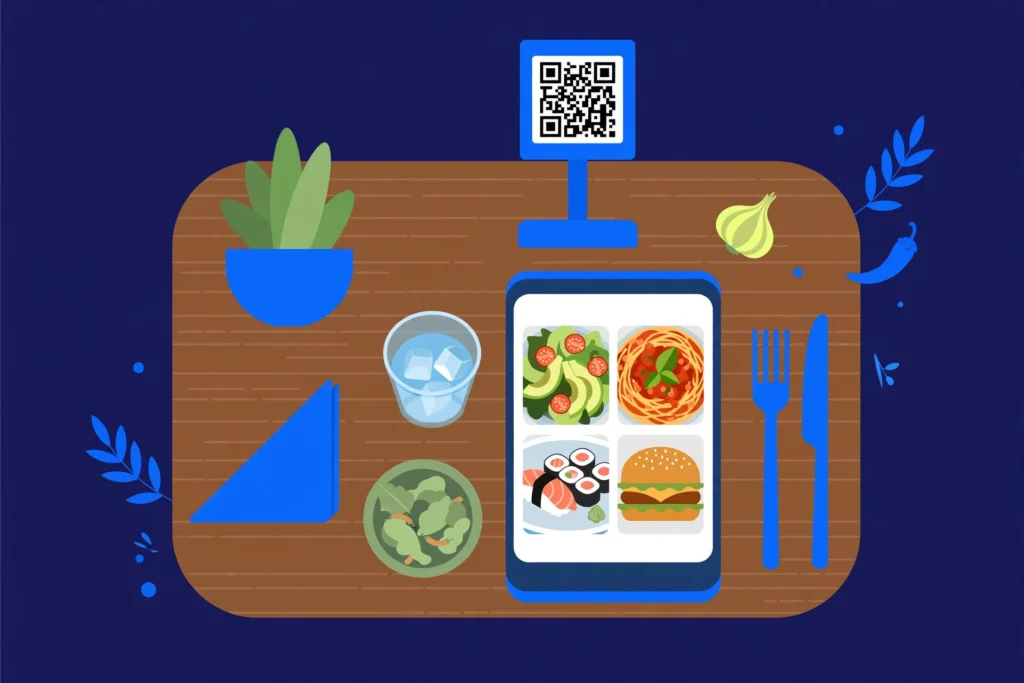
Walk into a cafe in Lahore or Islamabad today and the paper menu is often gone. In its place is a small stand on the table with a square black-and-white code. A customer points a phone at it, the menu opens, and they order without touching a shared booklet or waiting for a waiter to bring one. That is a QR menu, and for a restaurant it is now cheaper than reprinting paper menus every time a price changes.
The confusion is that “QR menu” means three different products at three different prices. A free code that opens a PDF is not the same as a menu that takes orders, and neither is the same as a menu wired into your POS and kitchen. This guide prices each one, so you pay for the level you actually need.
One rule before the numbers: every range below is a typical market range seen in Pakistan in 2026, not a promise. Prices move with the provider, the features you switch on, and whether you have one branch or five. Anybody who quotes you an exact monthly price before asking how many items your menu has is guessing.
QR menu cost in Pakistan in 2026
| QR menu type | Setup cost | Monthly cost | Best for |
|---|---|---|---|
| Static QR code → PDF menu | Rs 0 – Rs 2,000 | Rs 0 | Dhabas, chai dhabas, small takeaway counters |
| Digital menu builder (no ordering) | Rs 5,000 – Rs 15,000 | Rs 1,500 – Rs 5,000 | Cafes and restaurants that only need a viewable menu |
| Digital menu with ordering (no payment) | Rs 15,000 – Rs 40,000 | Rs 3,000 – Rs 8,000 | Dine-in restaurants taking table orders by phone |
| Digital menu with ordering + online payment | Rs 30,000 – Rs 80,000 | Rs 5,000 – Rs 15,000 | Restaurants doing delivery and takeaway at volume |
| QR menu linked to POS + kitchen display | Rs 50,000 – Rs 150,000+ | Rs 8,000 – Rs 25,000 | Chains and busy restaurants with multiple branches |
The cheapest option is genuinely free: generate a QR code that opens a PDF of your existing menu, print it on a table stand, and you are done. The catch is that every price change means a new PDF, a new code and a reprint — and the customer cannot order from it, only read it.
What each level actually does
Static QR → PDF. The code points at a file. The customer reads the menu and calls a waiter or walks to the counter. No updates without reprinting, no photos that load fast, no order. It solves hygiene and reprinting, nothing else.
Digital menu builder. Your menu lives on a web page with photos, categories and prices, and the QR code opens it. You edit prices from a dashboard and every table sees the new price at once. The customer still orders through a waiter. This is the right level for most single-branch cafes.
Menu with ordering. The customer picks items on their phone, sends the order to the kitchen or counter, and the bill is settled at the table or at the counter. This removes the waiter’s round trip for taking the order and cuts wrong orders, because the customer typed the order themselves.
Menu with ordering + payment. The customer pays by JazzCash, Easypaisa, bank card or cash on delivery inside the same flow. This is the level that turns the QR menu into a real sales channel, and it is also the level where the monthly fee and the payment charges both matter — ask what percentage the provider takes per order, not just the monthly fee.
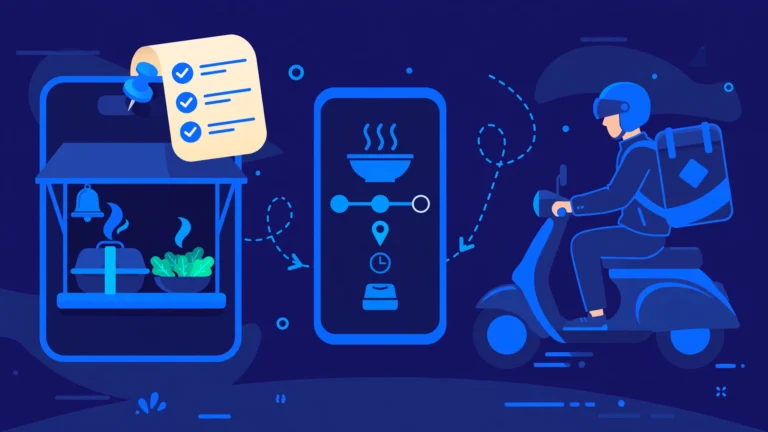
POS-linked menu. The QR orders land in the same system as the counter and the delivery apps, stock drops automatically, and the kitchen display shows every order in one queue. This is the only level that makes sense for a chain, and it is the most expensive because it replaces part of your POS. Our guide to POS system prices in Pakistan explains what the underlying system costs on its own.
Printing and hardware: the costs people forget
The software is only half the spend. A restaurant needs the code where the customer sits, and that means printing. Budget roughly Rs 150 to Rs 400 per acrylic or metal table stand, Rs 500 to Rs 2,000 for a branded table tent design and print run, and Rs 20 to Rs 60 per sticker if you put the code on takeaway boxes and bags. A 20-table restaurant should budget about Rs 5,000 to Rs 12,000 for stands and first prints.
Two practical points. First, print the code large — a code smaller than 3 × 3 cm fails in dim light, and a failed scan is a customer who gives up and waves for a waiter. Second, keep a few paper menus behind the counter. Phones die, cameras break, and older customers still prefer paper. A QR menu should replace most paper menus, not all of them.
What a real order costs: three examples
A dhaba on a highway — static QR, 10 tables. One-time cost about Rs 2,000 for stands and prints, monthly cost Rs 0. The menu is a PDF of the existing rate list. It saves reprinting every time chicken prices move, and that alone pays for the stands in a month.
A cafe in Islamabad — digital menu with table ordering, one branch. Setup about Rs 25,000, monthly about Rs 5,000, stands and prints about Rs 8,000. The cafe stops printing paper menus entirely and the staff take fewer wrong orders, because customers select items and quantities on their own phones.
A burger chain in Lahore — POS-linked menu, three branches. Setup about Rs 120,000, monthly about Rs 18,000, stands and packaging stickers about Rs 25,000. Orders from tables, the counter and delivery apps land in one kitchen queue, and head office changes a price once and all three branches update together.
Setup in five steps
First, clean the menu: short names, one price per item, no items you cannot serve today. Second, photograph the dishes that sell — a phone photo in daylight is enough; a menu with no photos gets fewer orders. Third, pick the level from the table above and get the monthly fee and any per-order charge in writing. Fourth, test the code on three different phones, including an old Android, in your actual evening lighting. Fifth, train the staff on one line: “scan the code on the table, order from your phone, and we will bring it.” If the staff cannot explain it in one sentence, customers will not use it.
If your restaurant already takes orders online, the QR menu is the dine-in half of the same system. Our guide to taking online orders without paying marketplace commission covers the delivery half, and the two together are how a restaurant keeps the full margin on its own customers.
The Nexa way: see your menu before you pay
A QR menu is a small piece of software, and like everything at Nexa it is shown to you first. Your real menu, your real prices, your real photos — working on a phone, on your own tables — before you commit to a monthly plan. You pay only if the menu works the way your staff and your customers need it to. See the full service at Nexa Tech Core or ask for a quote at contact us.
Frequently asked questions
How much does a QR menu cost in Pakistan?
A static QR code pointing to a PDF menu costs Rs 0 to Rs 2,000 to set up and nothing per month. A digital menu with ordering typically costs Rs 15,000 to Rs 40,000 to set up and Rs 3,000 to Rs 8,000 per month. A POS-linked menu for a chain costs Rs 50,000 to Rs 150,000 or more to set up.
Do I still need paper menus?
Keep a few behind the counter for customers whose phones cannot scan, but most restaurants can stop printing a full paper menu for every table. Budget Rs 5,000 to Rs 12,000 for table stands and first prints for a 20-table restaurant.
Can customers pay through a QR menu?
Only on the ordering-plus-payment level. The customer pays by JazzCash, Easypaisa, card or cash on delivery inside the menu flow. Ask the provider what percentage it takes per order, not just the monthly fee.
Will a QR menu work with my existing POS?
Only if the provider integrates with your POS. Ask this before signing anything — a menu that cannot talk to your POS creates two separate order queues and more mistakes, not fewer.
How long does setup take?
A static QR menu takes a day. A digital menu builder takes three to seven days once the menu and photos are ready. A POS-linked menu takes two to four weeks, mostly because the menu, the kitchen flow and the staff training all have to be set up together.
What size should the printed QR code be?
At least 3 × 3 cm on a table stand, larger on a wall or window. Test it in your evening lighting on an old phone — if it does not scan in two seconds, it is too small or too low-contrast.